UnoWEBP - Compress, Convert, Resize, Crop, Optimize & Edit WEBP Online Free
The Dedicated WEBP Toolkit For Smaller, Faster, Sharper Images
Upload, Adjust, Download - Any WEBP Task Done In Seconds
Trusted Daily By Designers, Developers And Web Teams
WEBP Converter
Convert PNG, JPG, and GIF images to WEBP, and turn WEBP back into PNG or JPG.
WEBP Compressor
Shrink WEBP files with smart lossy or lossless compression while keeping quality intact.
WEBP Resizer
Resize any WEBP to exact dimensions while keeping edges crisp on every screen.
WEBP Cropper
Crop WEBP precisely to the pixels you need, with no watermark ever added.
WEBP Rotator
Rotate or flip WEBP by any angle in seconds, free and inside your browser.
WEBP Blur
Soften WEBP backgrounds or blur sensitive areas to protect your privacy.
Merge WEBP Online
Stack multiple WEBP frames or images into one clean combined picture.
Colorize WEBP
Tint a WEBP using any color you pick from a simple on-screen palette.
Mirror WEBP
Flip WEBP vertically or horizontally with a single click, no install needed.
Add Text to WEBP
Overlay clear, sharp text onto any WEBP image and place it where you like.
Add Watermark to WEBP
Stamp logos or text watermarks onto WEBP to protect your creative work.
Add Border to WEBP
Frame WEBP with solid borders, outlines, or soft padding in one click.
Replace WEBP Color
Swap one WEBP color for another across the whole image instantly.
Invert WEBP Colors
Flip every WEBP color to its exact opposite for a bold, striking look.
Make a WEBP Grid
Combine several WEBP images into one clean grid collage in moments.
Pixelate WEBP
Pixelate WEBP for a retro feel or to hide details you want private.
Round WEBP Corners
Give WEBP perfectly smooth rounded corners with one tap, no skills needed.
Crop WEBP Into Shape
Clip WEBP into circles, hearts, or fun shapes for social posts.
View WEBP Metadata
Inspect EXIF, dimensions, and hidden WEBP file details at a glance.
Change WEBP Opacity
Raise or lower WEBP transparency to layer it over any background.
Split WEBP into Grid
Slice one WEBP into equal tiles for grids, carousels, and posters.
WEBP Metadata Editor
Edit EXIF, IPTC, and XMP metadata stored inside your WEBP files.
WEBP EXIF Remover
Strip EXIF and GPS data from WEBP to keep your images private.
WEBP Viewer
View, play, and inspect animated WEBP frame by frame, free online.
How To Use UnoWEBP - Three Steps, Zero Learning Curve
Step 1
Upload Image
Step 2
Set up
Step 3
Download Image
Every WEBP Tool And Format You Need In One Place
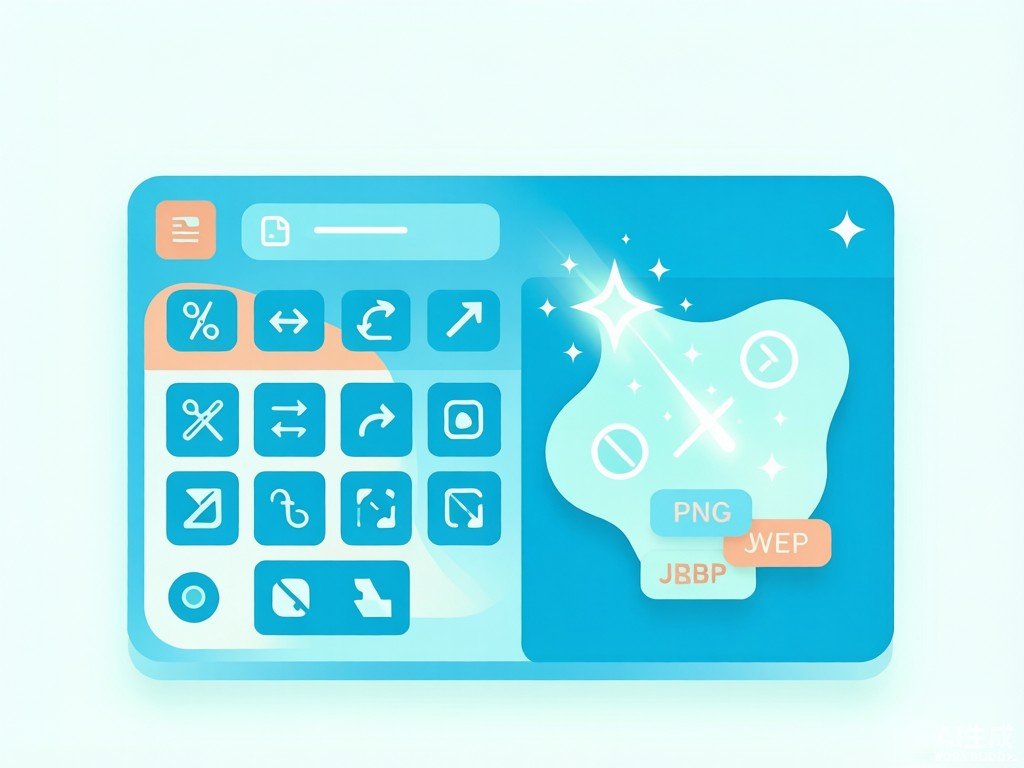
Powerful WEBP Tools Run Instantly In Your Browser with Nothing to Install
Compress, Convert, And Edit WEBP for Free without Any Account Sign-Up Required

What Users Say
Janice
UnoWEBP has become part of my daily routine. I convert PNG and JPG to WEBP, keep transparency, and compress in seconds - all inside the browser, completely free, with no account required. Perfect for fast client tweaks and last-minute fixes.
Christina
For our website, UnoWEBP's batch compression and WEBP export cut page weight dramatically. There are no plugins to install and no login to manage - just paste an image and download. Since switching, our load times dropped and Core Web Vitals scores improved noticeably.
Vicky.H
I reformat hundreds of product shots nightly with UnoWEBP - resize, crop, and convert to WEBP instantly in the browser. It is free, requires no sign-up, and replaced three paid tools we used before. Our marketplace listings now stay clean and consistent.
Mike
As a social media operator, UnoWEBP keeps my posting pipeline fast. I resize and crop thumbnails for every platform, add borders, and export optimized WEBP - all free in the browser. No software, no login, just quick turnaround for daily content.
Grace
From a marketing view, UnoWEBP speeds up every campaign. I resize banners, convert to WEBP, and tweak visuals for ads without leaving the browser. It is free, needs no account, and lets my team test more creative variations quickly.
Alice
As a teacher, UnoWEBP is a lifesaver for class materials. I crop screenshots, compress slides, and convert to WEBP for worksheets - no install needed on school computers. It is free, simple enough for students, and works instantly in any browser.